Klipboard.
Everything you copied, one keystroke away.
Press V to see everything you copied, images included. Type to search, even for words inside a screenshot, and press Return to paste it where you were typing.
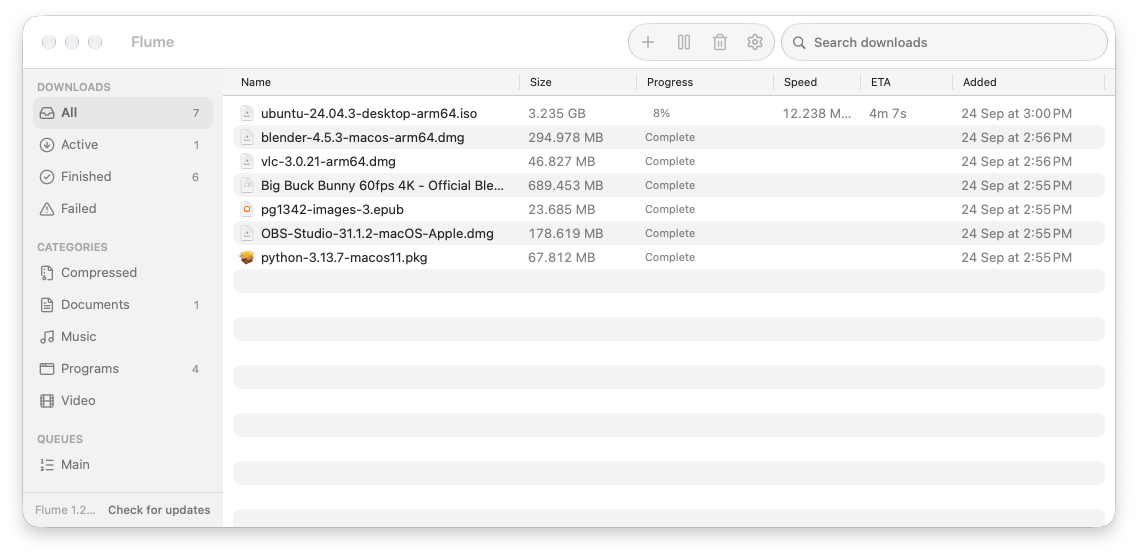 Flume 1.28.3 · ubuntu-24.04.3-desktop-arm64.iso · 3.2 GB · 32 connections · 4m 7s left
 1292×424 · 106 KB · 9 minutes ago
What it does
Built for images, not just text.
Images are first-class
Screenshots and copied images keep full quality. Switch to a grid (G) where images, colours, files, links and code each get their own card.
Search inside screenshots
Text in images is recognised on your Mac, so typing “invoice” finds the screenshot of one. Search covers the whole text of every item.
Pastes for you
Return pastes into the app you were in, as plain text by default. Return does the opposite. Images paste into terminals too.
Pin what you reuse
Pinned items stay at the top, and are never removed by the history limit or by Clear History.
Skips your passwords
Copies marked concealed or private are never saved, and 1Password, Bitwarden and Keychain Access are always ignored. Add any app to the ignore list.
No settings window
Everything lives in the menu bar: shortcut, launch at login, plain-text paste, history size from 100 to 2,000 items, ignored apps.
Never touch the mouse
Open the panel, type a few letters, press Return. That's the whole workflow.
- Open Klipboard (you can change it)
- ⌘⇧V
- Paste as plain text
- ↩
- Paste with formatting
- ⇧↩
- Large preview
- ⌘Y
- Switch list and grid
- ⌘G
- Pin or unpin
- ⌘P
- Delete the selected item
- ⌘⌫
Install
- 01Download Klipboard.zip, unzip it and move Klipboard into Applications.
- 02Open it. If macOS says it can't check the app, right-click it and choose Open.
- 03Allow Accessibility when asked, so Klipboard can paste for you. Until then, Return just copies.
What it can access
- Clipboard
- Saves what you copy to your Mac only, up to the limit you set. Clear it any time.
- Accessibility
- Lets Klipboard press ⌘V for you in the app you were using.
- Network
- Only to check for updates. Your history never leaves your Mac.
- Analytics
- None. No tracking, no account.
Details
- Version
- 0.3.0
- Requires
- macOS 26 or later, Apple silicon
- Status
- Coming soon
- Price
- Free
- Support
- Report a bug to hello@kronyx.dev
Questions
- What does Klipboard do?
- It keeps a history of what you copy: text, links, files, PDFs and images. Press V, type to search, even for words inside a screenshot, and press Return to paste.
- Does Klipboard save my passwords?
- No. Copies that apps mark as concealed or private are skipped, and 1Password, Bitwarden and Keychain Access are always ignored. You can ignore any other app too.
- Does my clipboard history leave my Mac?
- No. History is kept on your Mac, and text in images is recognised on the Mac. The only network use is the update check.
- How much history does it keep?
- 500 items by default, or 100 to 2,000 from the menu bar. Pinned items are never removed.
- Which Macs does Klipboard run on?
- Macs with Apple silicon running macOS 26 or later.